Translator
Translate text and files, control terminology, and reuse results.
Translator handles individual text and complete files in a dedicated interface. For text, choose the target and optionally the source language; otherwise, the source is detected automatically. File translation supports formats including Word, PowerPoint, Excel, PDF, HTML, text, subtitles, and XLIFF, preserving the document structure where the format allows it.
By default, MeinGPT uses Google Cloud Translate for text and DeepL for files, both through EU endpoints. Workspace admins can provide their own DeepL API key; DeepL then handles both translation modes and bills usage through that key. File translation can be disabled for individual workspaces.
Text translations are stored in personal history where they can be searched, reopened, copied, or deleted. Workspace glossaries keep fixed terminology consistent, but only match the exact . Original and translated files are stored in encrypted form; file translations do not currently appear in the visible translation history.
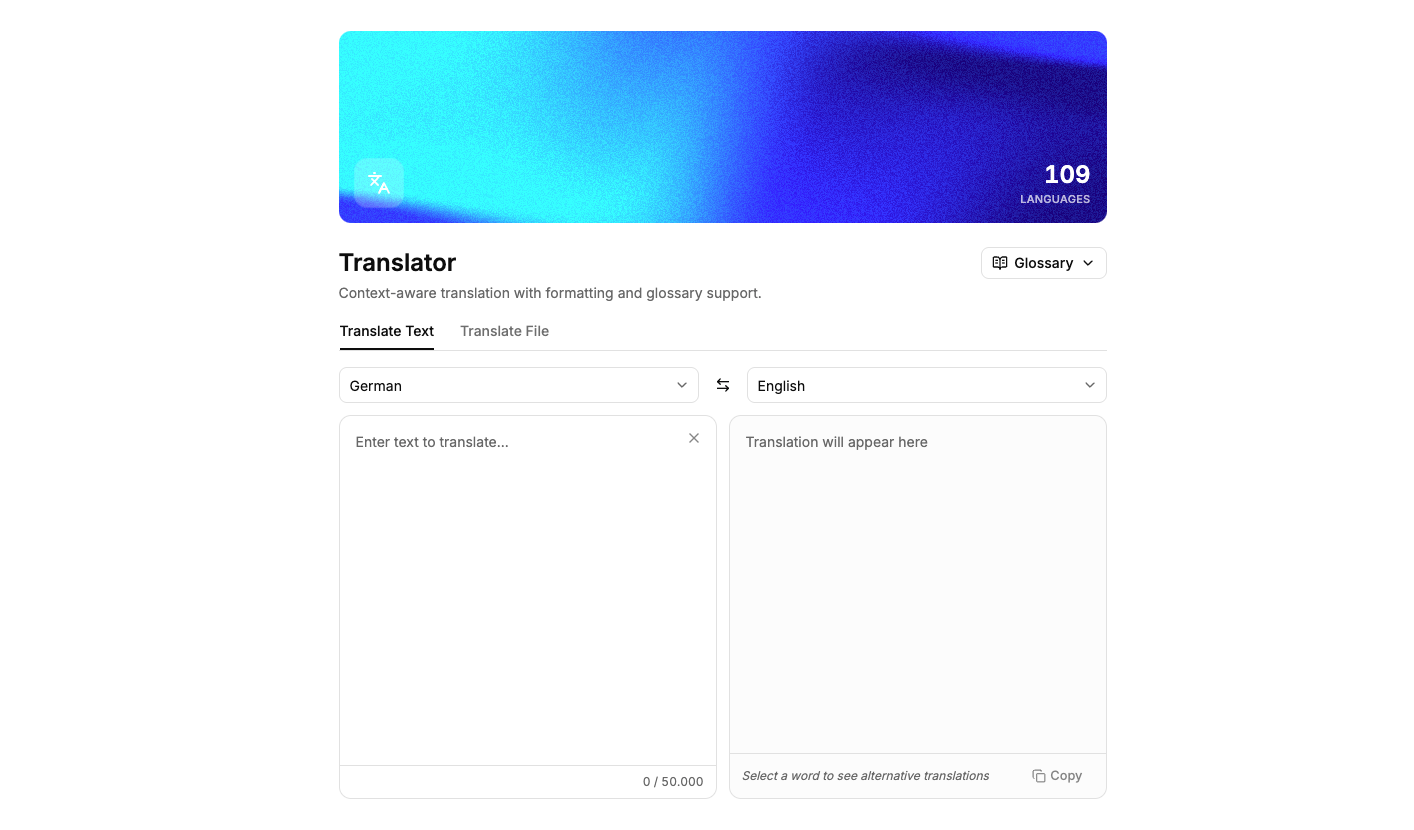
Text and file translation in MeinGPT
More AI Apps
Start with AI in your company
Together we find the right use cases, connect your systems, and bring AI into daily work in line with your business.