Make expertise and tools available as a shared role.
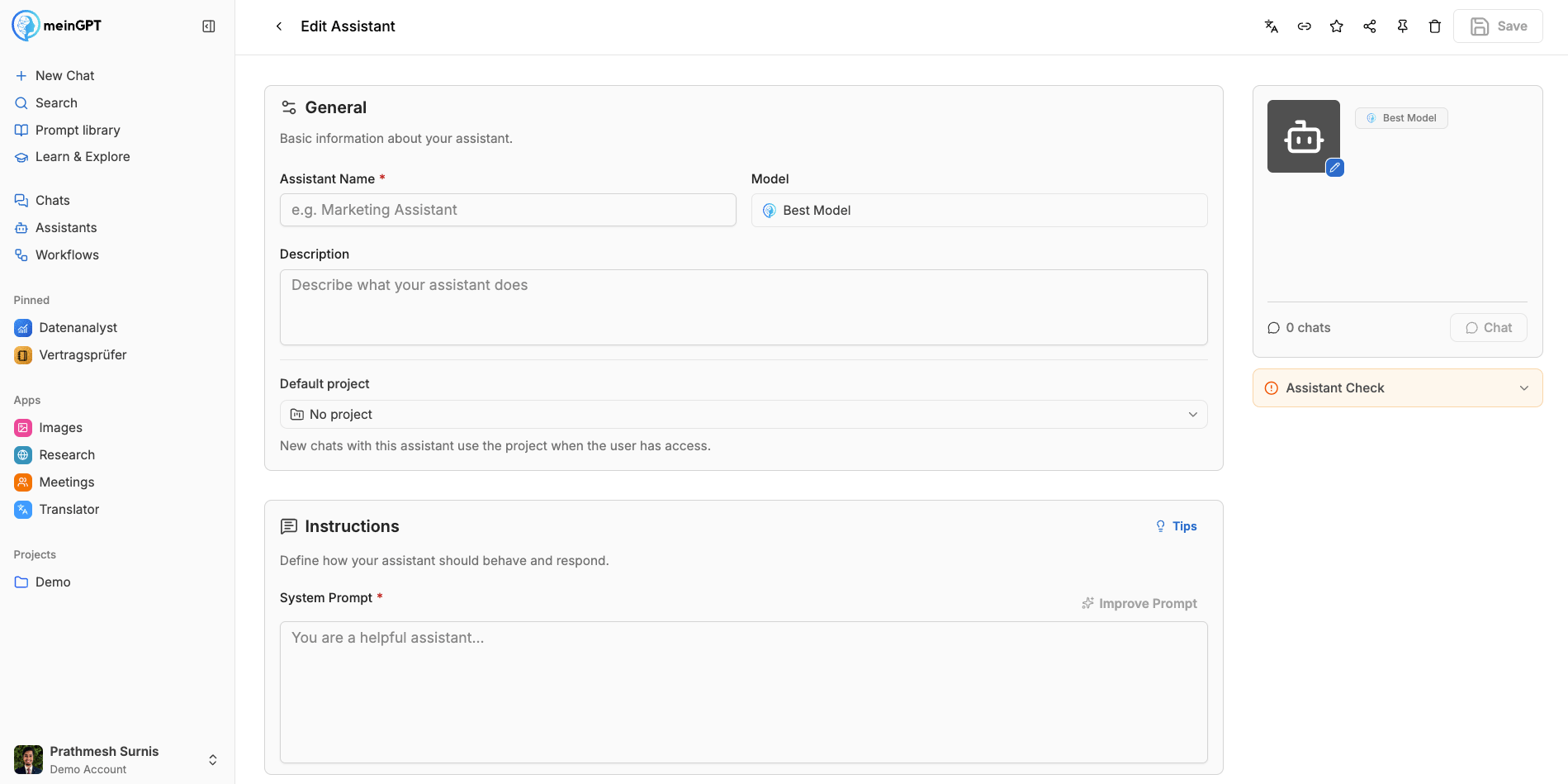
An assistant combines fixed instructions, approved knowledge, and tools into a reusable expert role. In the you define its task, tone, boundaries, and output format. You can set a specific model or allow an automatic choice for each request.
Documents and data pools give the assistant a bounded knowledge context. Web search, connectors, custom MCP servers, and other approved tools extend what it can do in conversation. The preview starts a real test chat before the assistant is made available to a team. The shows whether the essential configuration is present.
When sharing, you decide which teams may run, view, or edit the assistant. It reaches only data and tools approved for both the assistant and the person running it. Sources need maintenance, and important results still need expert review. For open one-off tasks, AI Chat is simpler; use a workflow for a fixed multi-step process.